Make YouTube thumbnails that get clicked — without hiring a designer.
Paste a video idea, upload references, or drop in a YouTube URL. CreatorSnap generates 1280×720 thumbnails in your channel's style in seconds.
- 1280×720 exports
- Credits never expire
- Failed generations refunded
Try the flow
Start with an idea, URL, or reference image.
Video idea
Idea → thumbnail
Turn rough ideas into click-worthy thumbnails.
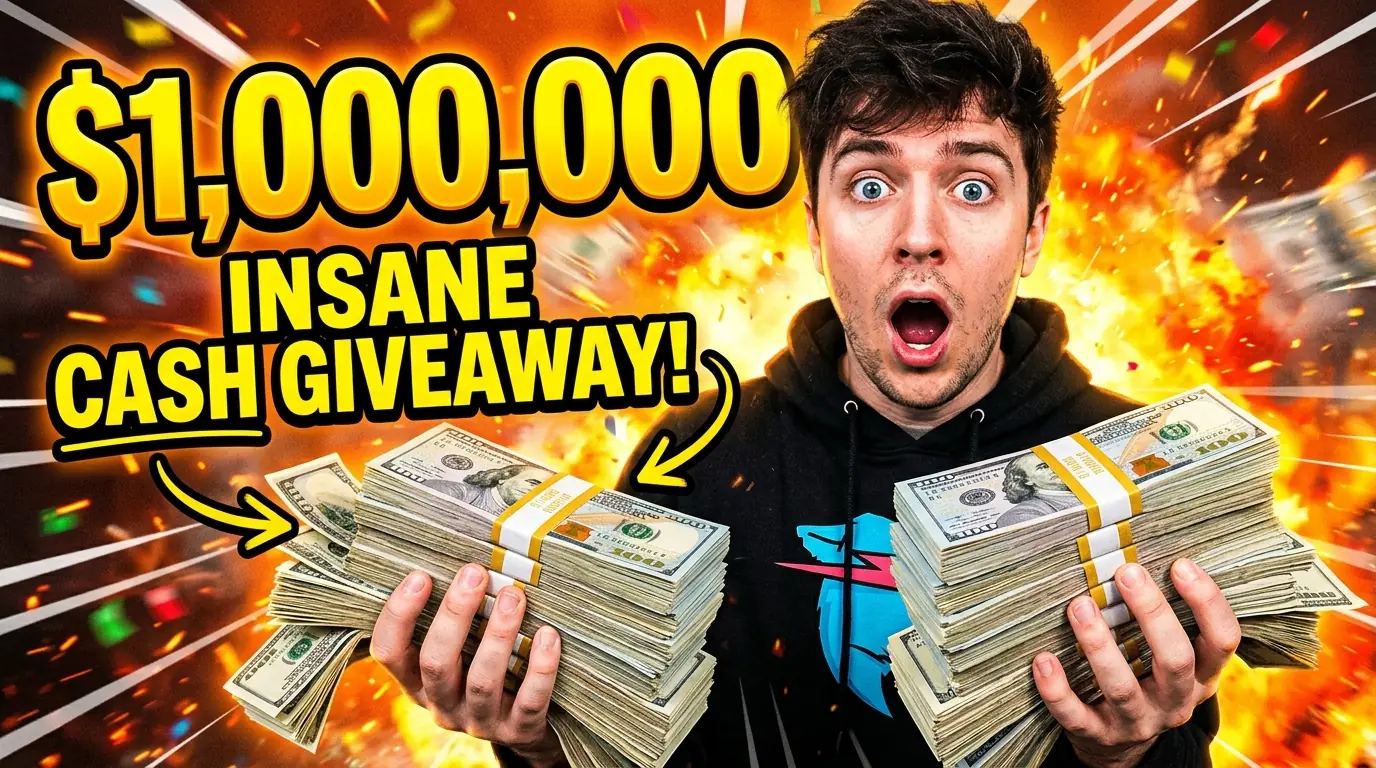
“I won the lottery and it rained cash”
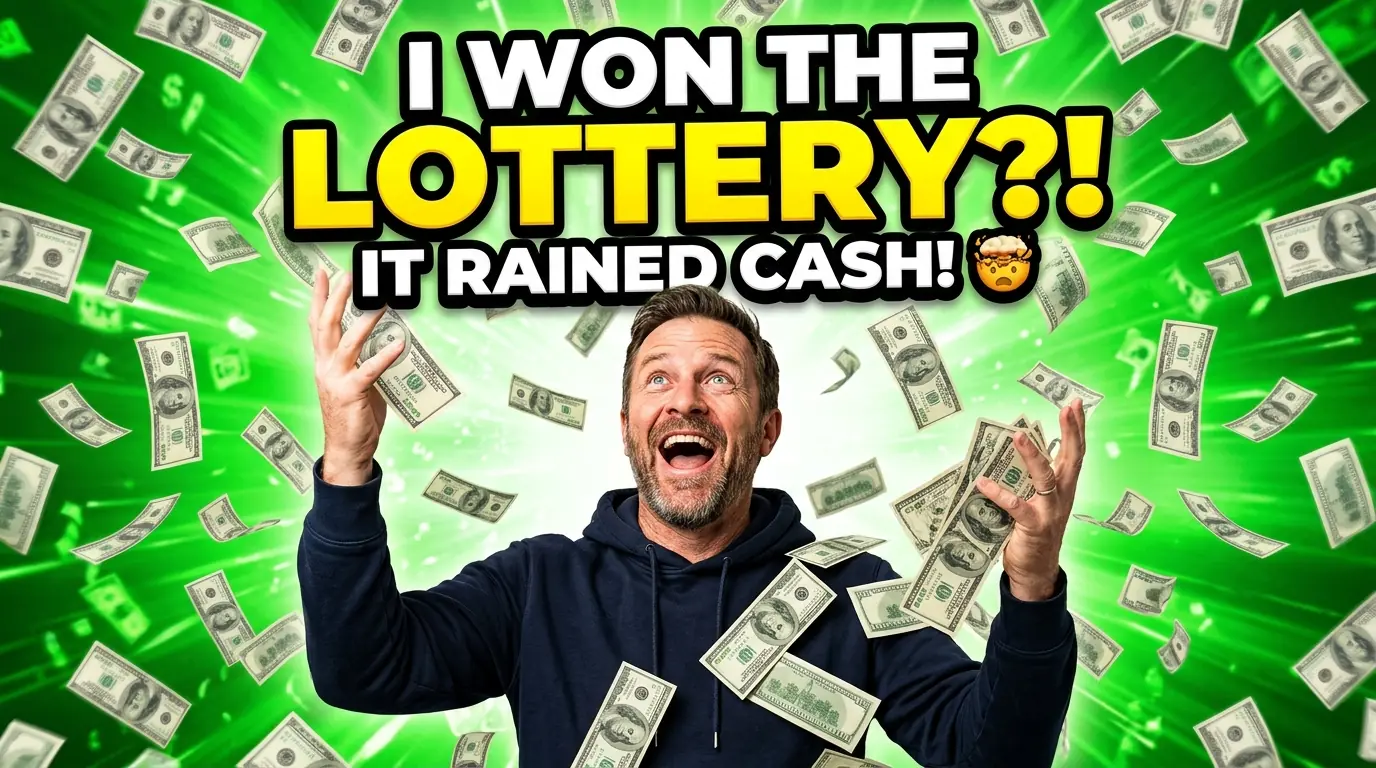
- Instant emotional payoff
- Big readable subject
- High-contrast green and yellow
- Curiosity gap
- Mobile-friendly composition
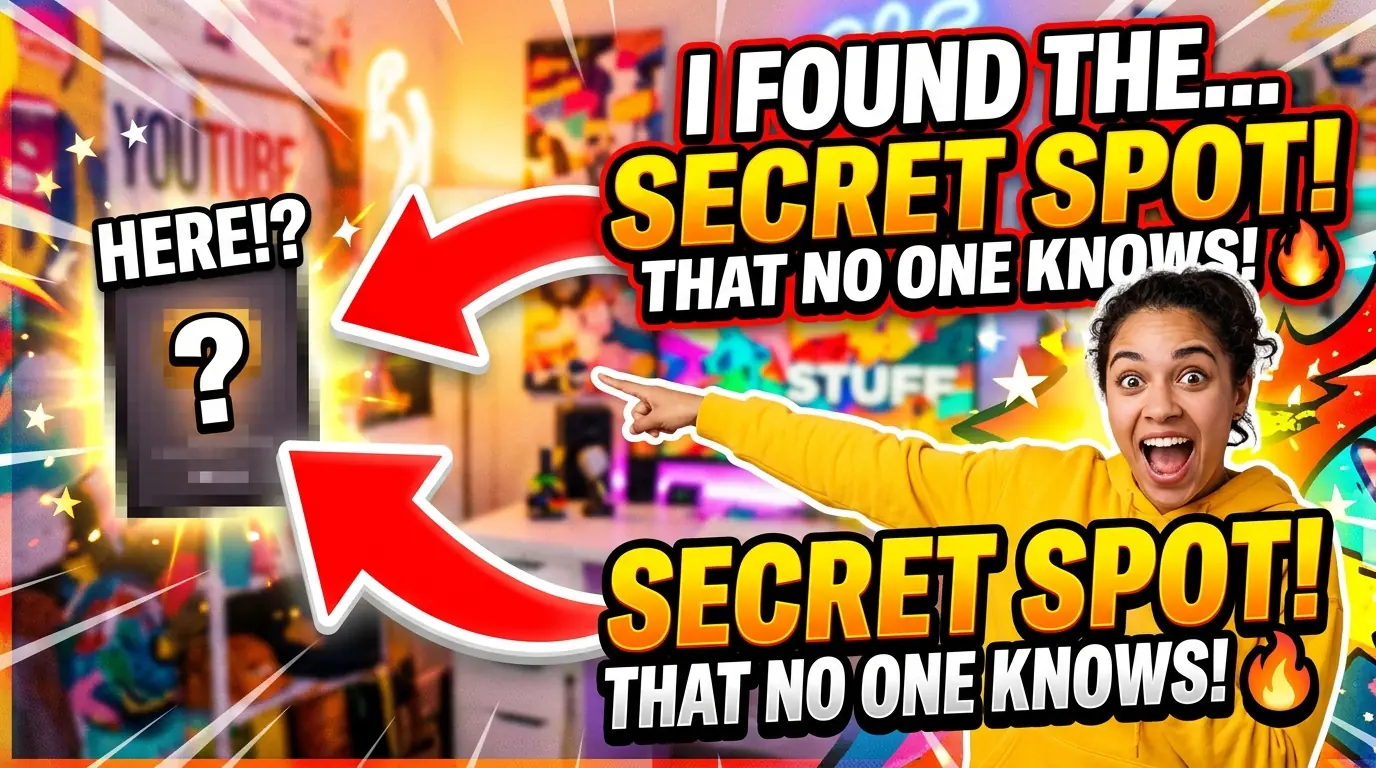
“I found the secret spot nobody knows about”
- Strong curiosity hook
- Bold directional arrows
- Punchy short text
- Clear focal point
- Reads at thumbnail size
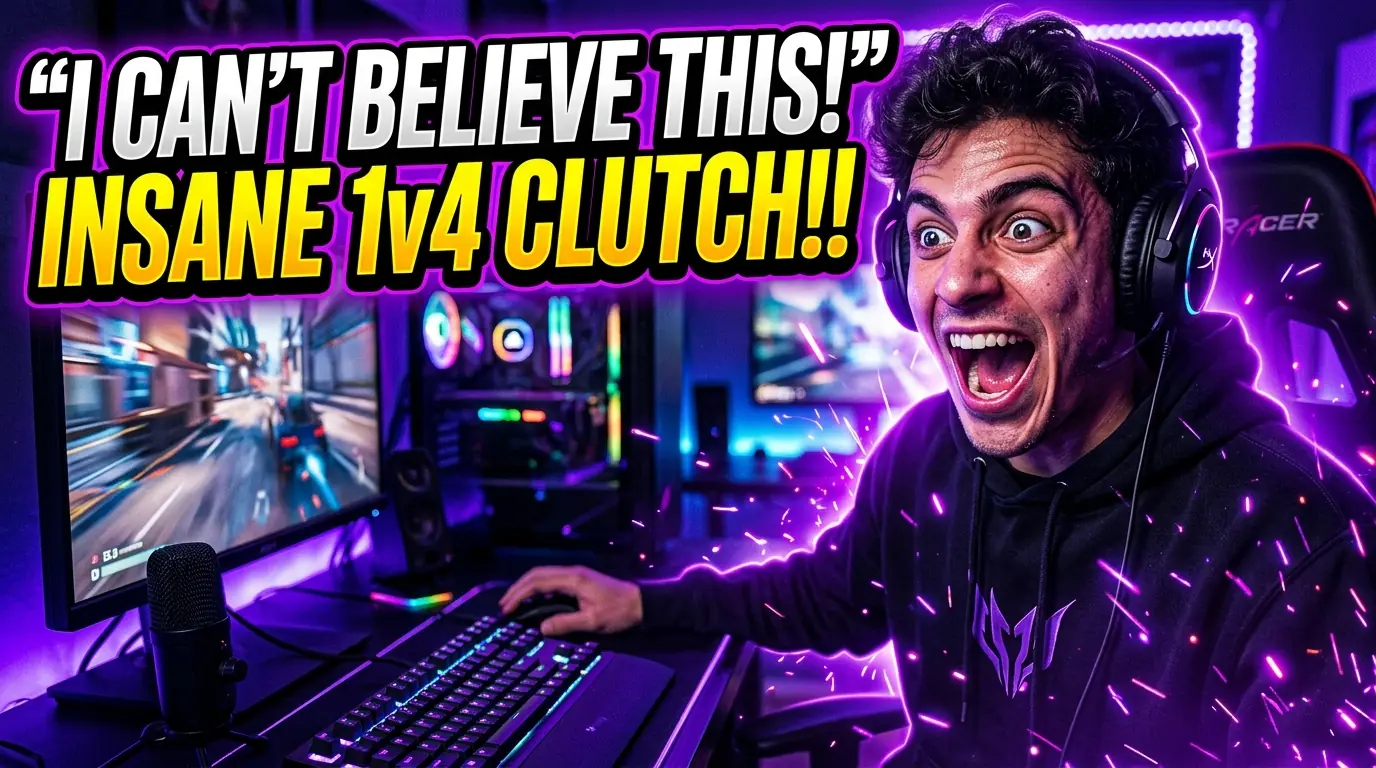
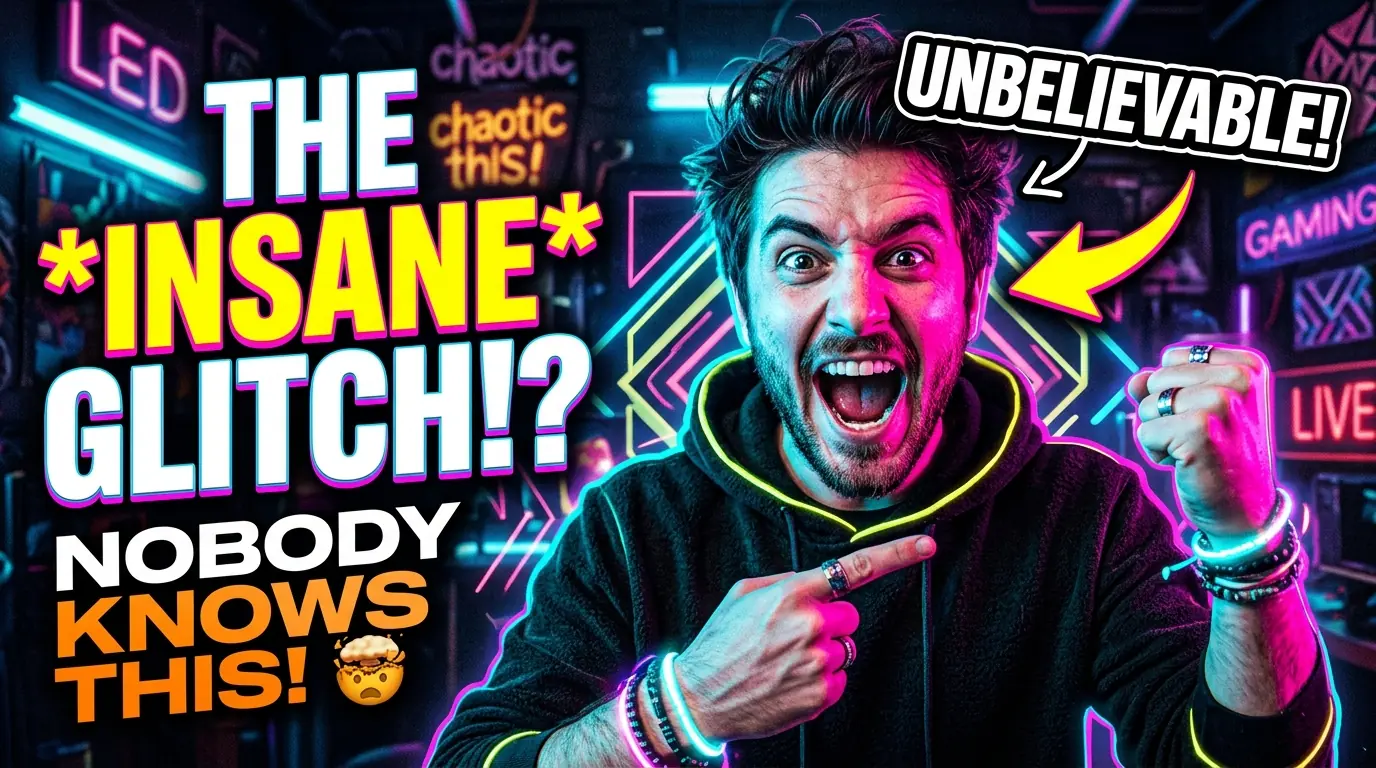
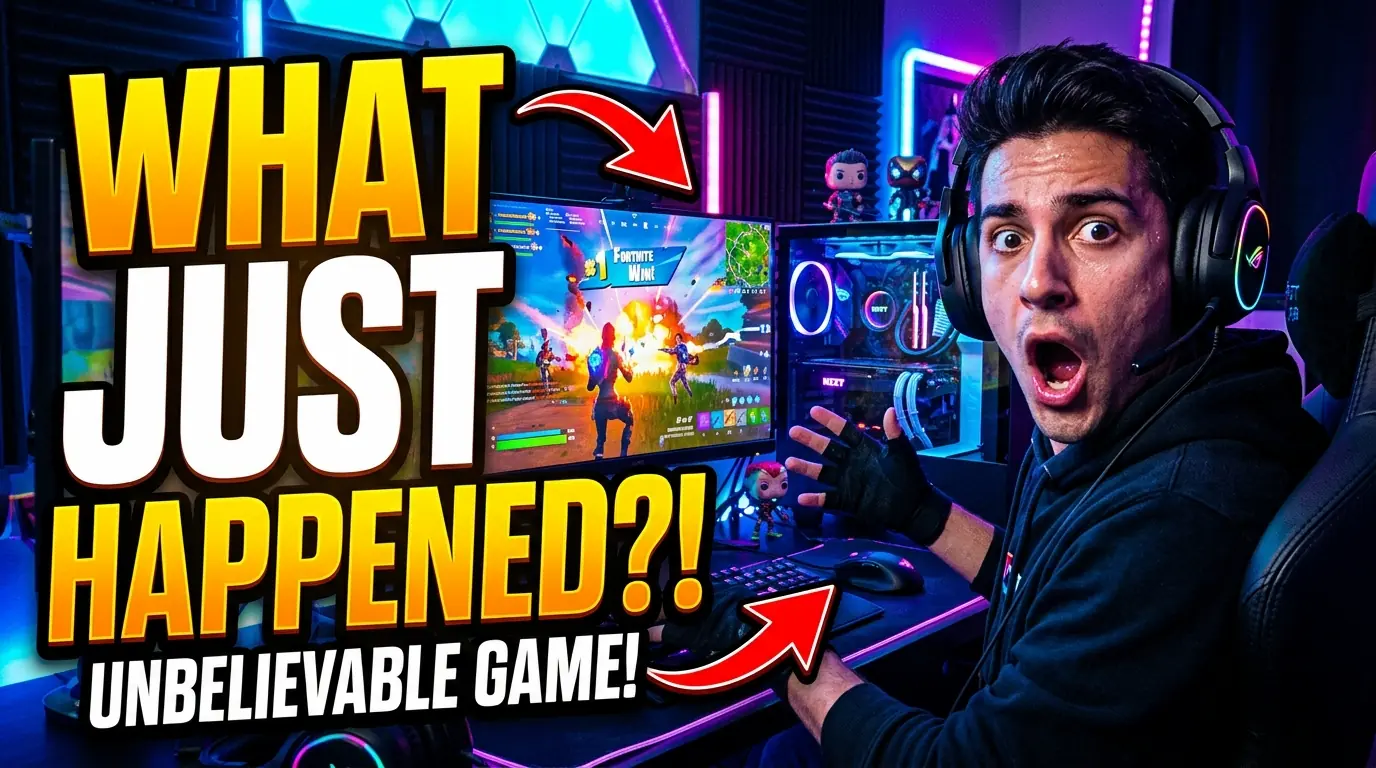
“The insane 1v4 clutch nobody saw coming”
- Instant action framing
- High-contrast subject
- Minimal text
- Clear stakes
- Mobile-friendly
Three steps
From idea to upload in minutes.
- 01
Paste your idea or YouTube URL
Give CreatorSnap your idea, video concept, or existing YouTube link.
- 02
Add your style
Choose multiple directions, lock in a recurring persona, or describe the exact idea you want.
- 03
Generate, edit and download
Create multiple directions, fix small details with mask editing, and export a 1280×720 thumbnail.
The difference
Why not just use ChatGPT?
- Thumbnail-first 1280×720 canvas
- YouTube URL context
- Reference image uploads
- Mask editing for small fixes
- Fast thumbnail iteration
- Failed generations refunded
- General-purpose image generation
- Less YouTube-specific context
- Harder to keep style consistent
- More manual prompting
- Less optimized for thumbnail workflows
- More trial and error
Built for the job
Everything a thumbnail needs — nothing it doesn't.
Keep your face and style consistent
Upload your face or reference once, then reuse it across thumbnails so your channel stays recognizable.
Start from any YouTube video
Paste a URL and CreatorSnap uses the title, thumbnail, and metadata as creative context.
Fix only the part you hate
Change a face, object, background, or text area without regenerating the whole thumbnail.
Generate more concepts faster
Create multiple thumbnail directions before committing to one.
Built for mobile-readable thumbnails
Designs are optimized for bold subjects, high contrast, and simple composition.
Only pay for successful generations
Failed generations automatically refund credits — you only pay for results.
Who it's for
Built for every kind of YouTube workflow.
For solo creators
Make thumbnails without opening Photoshop or waiting on a designer.
For editors and agencies
Generate multiple thumbnail directions before sending options to clients.
For faceless channels
Create repeatable characters, objects, scenes, and formats.
For creator strategists
Quickly test visual angles before committing to a video package.
Pricing
Simple credit packs. Buy once, use anytime.
Questions
Everything you might be wondering.
How is CreatorSnap different from ChatGPT?
Generic AI image tools can make an image. CreatorSnap is built around the thumbnail itself — a true 1280×720 canvas, YouTube URL context, persona consistency, and mask editing — so you spend less time prompting and more time publishing.
Can I use my own face or character?
Yes. Upload your face or a character reference once, save it as a persona, and reuse it across thumbnails so your channel stays recognizable.
Can I paste a YouTube URL?
Absolutely. Drop in a video link and CreatorSnap uses the title, thumbnail, and metadata as creative context for your concepts.
What size are the thumbnails?
Every thumbnail is generated on a true 1280×720 (16:9) canvas — the exact size YouTube expects.
How do credits work?
Each generation costs one credit. Buy credits in packs — they never expire, and failed generations are automatically refunded.
What happens if a generation fails?
If a generation fails, the credit is automatically refunded to your balance. You only pay for results.
Can this replace a designer?
For most thumbnails, yes. CreatorSnap handles ideation, layout, and edits — but you stay in control and can refine every concept.
Is this good for faceless channels?
Definitely. Create repeatable characters, objects, scenes, and formats without ever showing your face.
Make your next thumbnail in minutes.
Generate multiple click-worthy directions before you upload your next video.
Generate your first thumbnailCredits never expire · Built for YouTube creators